
Designer 6: CAD/CAM Software for Creators Who Want Ease Of Use and Powerful Features.

Most CNC software makes you pick a lane: design in one program, then hand the file off to something else entirely just to get it ready to cut. Designer 6 doesn’t work that way. It’s one piece of software that takes a project from a blank page all the way to a finished toolpath, and it’s built to work across a wide range of CNC machines, not locked to a single brand of hardware.
It happens to be CarveWright’s own software, and longtime CarveWright users already know Designer by name. If you’re buying a new RAVEN today, the current version comes bundled in. Either way, the bigger story is what changed under the hood this year, because Designer 6 is a genuine rebuild, not a touch-up.
What Designer 6 actually does
At its core, it’s design-and-CAM in one place: you lay out a project, model it, and decide how a machine should cut it, all without switching programs. That’s the part that used to be two or three separate pieces of software for most people.
Buy a new RAVEN and you’ve got this already, it comes bundled in, along with 75 starter patterns. Running an older CarveWright machine, a used RAVEN, or something else entirely? Designer 6 is available as its own product, same as for any other CNC owner, and it writes G-code for most popular machines: Shapeoko, ShopBot, X-Carve, Axiom, Avid, Onefinity, Laguna, and a long list of supported CNC systems beyond that. If yours isn’t on there, they’ll add it.
What’s actually new
A lot, and most of it comes down to things that used to eat your time now happening on their own.
The headline feature is Generate Pattern: describe what you want, or hand it a photo, and it builds a ready-to-carve pattern for you. If you’ve already got flat artwork, one click turns it into a full 3D relief instead of modeling it by hand. There’s also CarveBot, a built-in helper you can just ask “how do I do this?” and it’ll walk you through it or point straight at the button you need. Handy the first few times you’re trying something new.
A few other changes stand out for everyday use:
- Cut Path places your hold-down tabs for you when you’re cutting a project out, instead of you doing it by hand every time.
- Auto-Tiling splits an oversized project into carve-able strips automatically, seams marked and all. A real time-saver if you’ve ever done this manually.
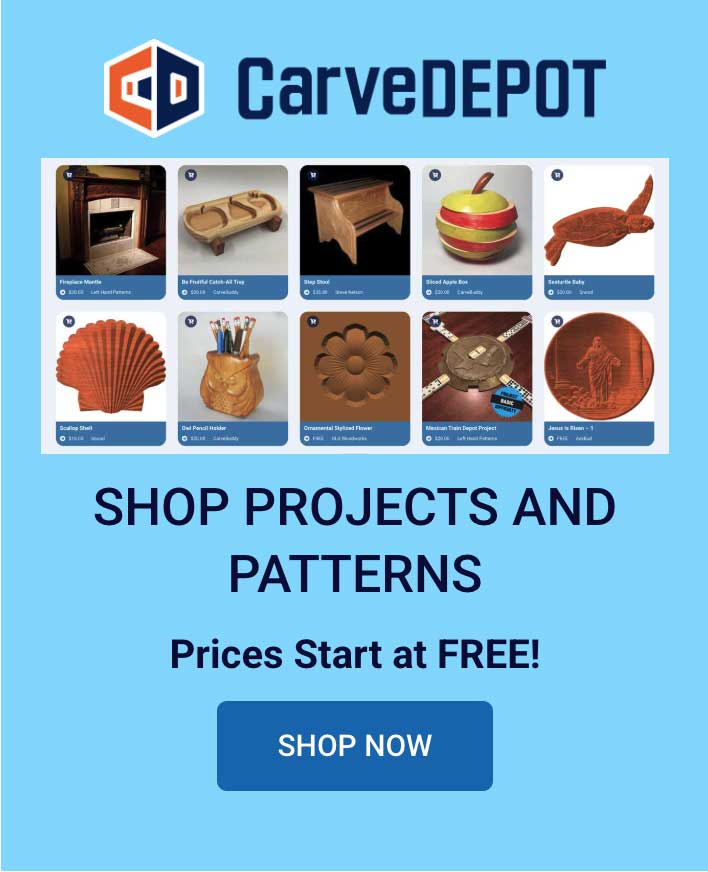
- The pattern library got rebuilt to be folder-based and much faster to search, and CarveDepot is now built right into the software, so you can browse and buy patterns without leaving the program.
- Mac users get a real native Apple Silicon build. Windows installs are signed now too, so you won’t be fighting as many security warnings on setup.
There’s a long tail of smaller fixes underneath too: better SVG and DXF importing, a dark theme if you want it, memory handling that no longer chokes on complex projects. Those four are the ones you’ll actually feel, though.
What it costs
There are four ways in, and which one fits depends on how often you’re using it.
| Plan | Price | Who it’s for |
|---|---|---|
| Designer Demo | Free | Kicking the tires: full toolset, but you can’t save or export until you upgrade |
| Designer 6 Core | $399.99 one-time | Buy it once, own it. Add-ons like Sculptor cost extra if you want them |
| Designer Maker | $20/mo or $200/yr | The sweet spot for most owners: core toolset plus V-Carve, Drawing Suite, CarveBot, and 10 AI credits a month |
| Designer Pro | $40/mo or $450/yr | For people doing this constantly or doing it for a living: everything in Maker, plus Sculptor, Slicer, DXF Layout, Modeling Suite, and 20 AI credits a month |
One thing worth clearing up: Sculptor, the 3D sculpting add-on, isn’t part of Maker. It comes with Pro, and Core owners can add it separately if they want it.
If you’re not sure which one you need, that’s exactly what the free demo is for.
Try it before you buy anything
The free Designer Demo gives you the full interface and toolset to explore. The only catch is you can’t save or export a finished design until you move up to Core, Maker, or Pro.

Explore Projects
Customer Stories
News
Subscribe To Our Newsletters
Learning, projects, customer highlights, and promotions in your inbox!