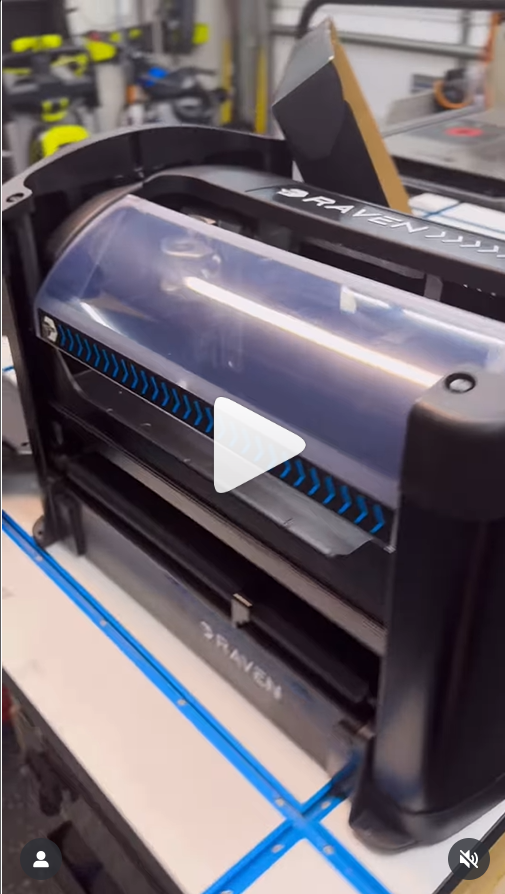
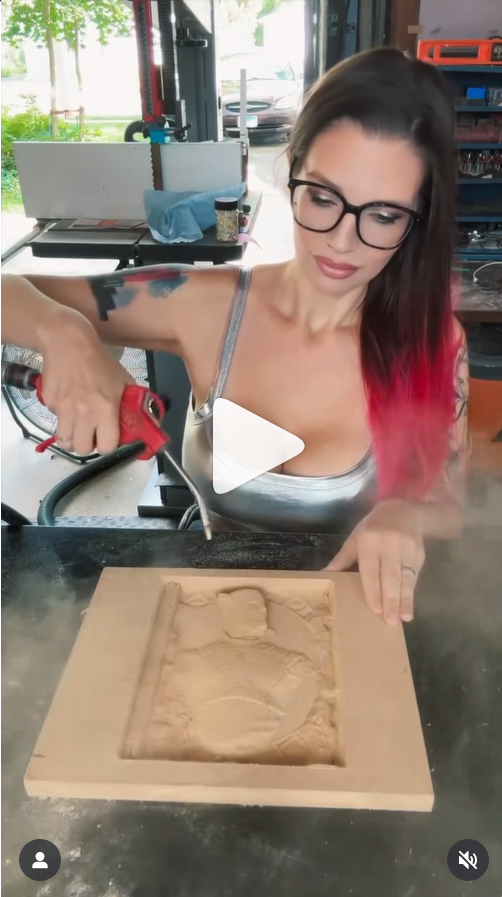
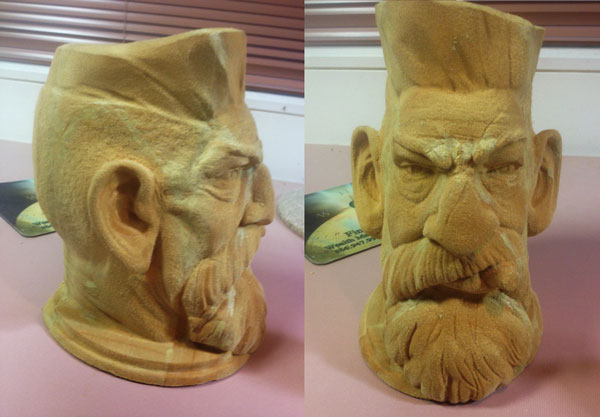
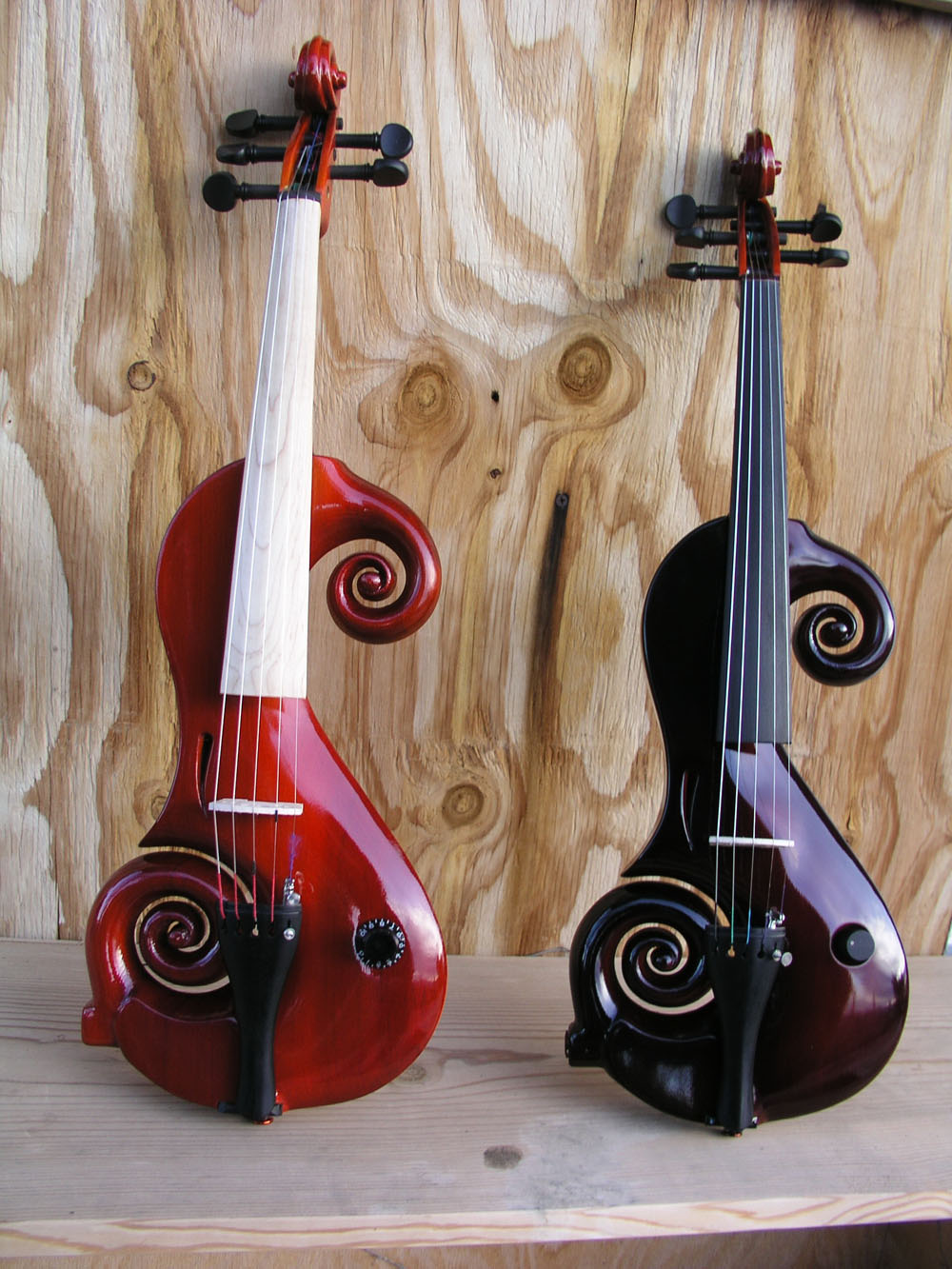
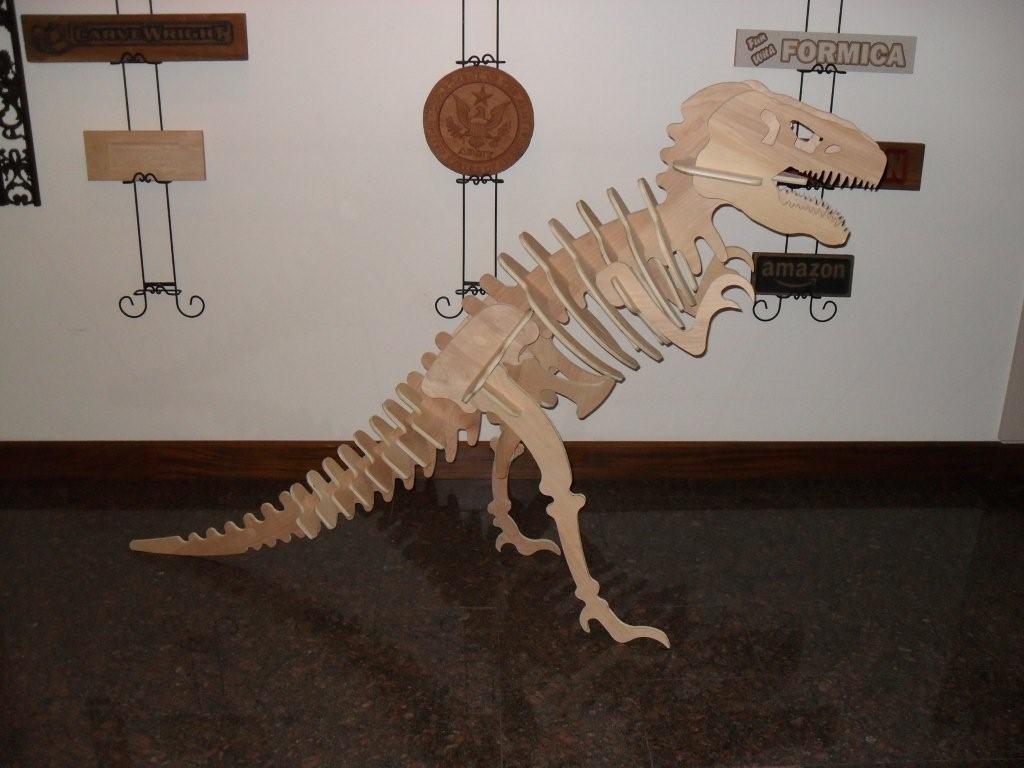
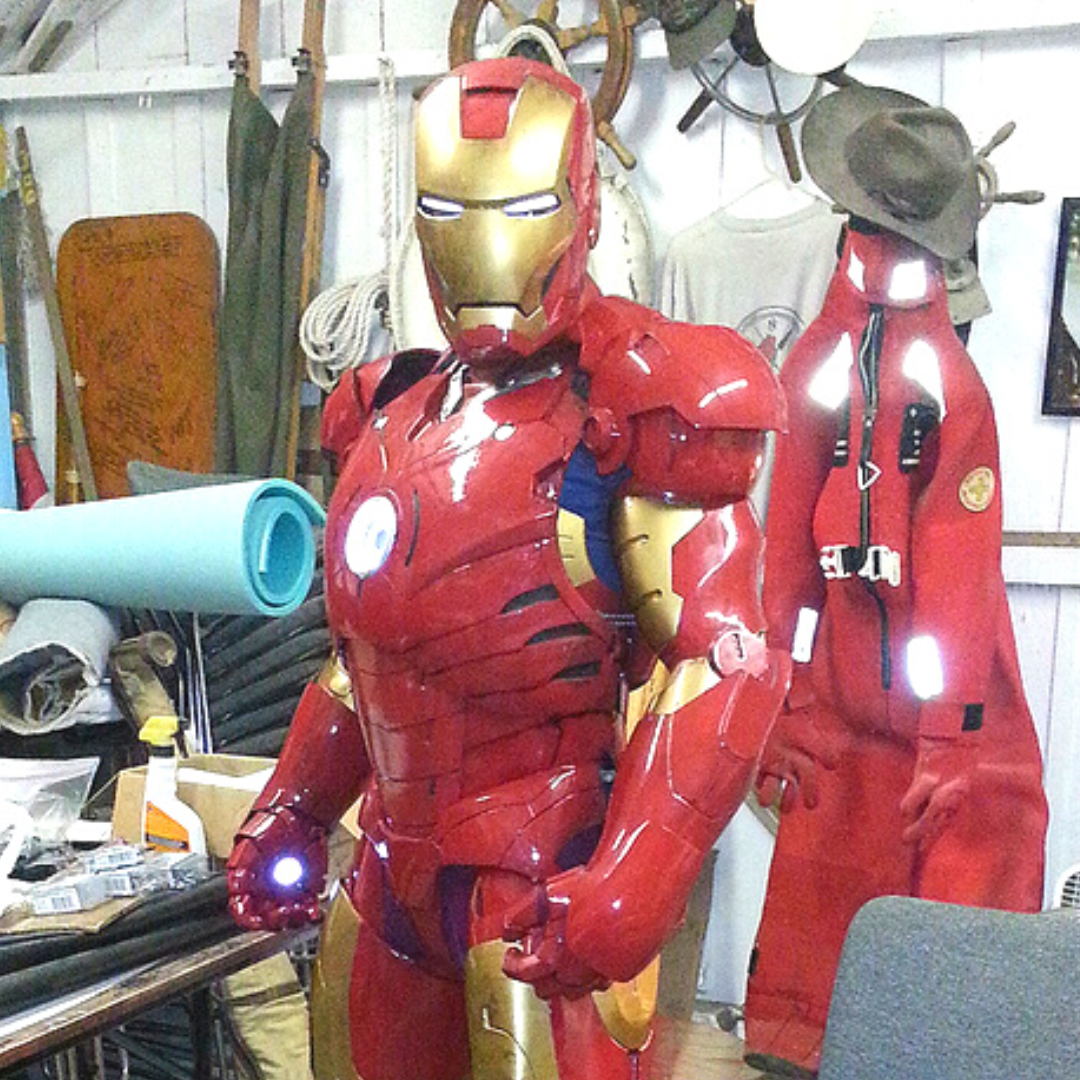
Welcome to the future of CNC routing—the RAVEN CNC Router. Designed for professionals, hobbyists, and businesses, the RAVEN CNC Router delivers unmatched precision, cutting-edge technology, and versatility to bring your ideas to life. Right out of the box, this system comes with everything you need to make truly extraordinary things.
Use our Build Your RAVEN Bundle tool to find the best configuration for you!
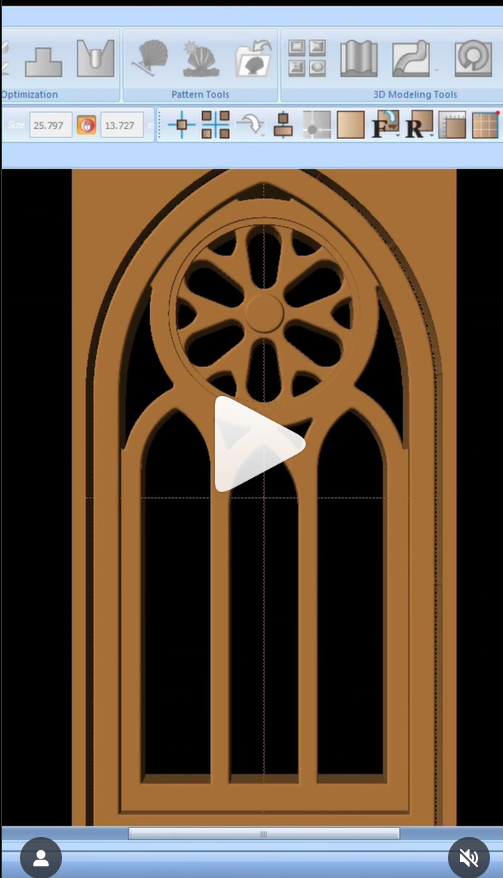
Take your CNC projects to the next level with CarveWright’s Designer Software. Packed with powerful features and an intuitive interface, this software is tailored to help you design and create intricate carvings, detailed projects, and professional-grade pieces with ease.
Place relief patterns and watch them auto-merge into intricate compositions. Add textures and domes with a click.
Drawing Tools
Draw precise vector lines and shapes, then turn them into carvings or cut paths.
2D Cutting
Turn any line into a cutout, or assign a router bit to profile, pocket or drill it.
Text Tool
Add text with a click of a button using any TrueType or OpenType fonts.
Image and Vector Import
Bring in JPG, PNG, SVG and more, and work them straight into the design.
3D Importing Tool
Import any STL file from outside sources to your software’s pattern library.
Included libraries
Includes 75 3D patterns, hundreds of SVG files, and 2 free projects.
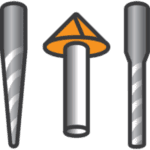
Custom Bit Settings
The software comes with preset bit settings, but gives you the freedom to add new bits and customize settings to suit your machine.
Automated Tiling
Carve larger than your machine with auto-tiling which splits an oversized project into carve-able strips with seam guides.
CarveBot AI Assistant
Ask how to do something and get an answer grounded in the manual, with the exact ribbon button highlighted on screen.
AI Pattern Making
Describe what you want, or start from a photo, and get a ready-to-carve pattern. Flat artwork can be raised into a full 3D relief in one click.
CarveDepot Store
Browse thousands of patterns and projects within Designer and try on your board before you buy. Plus, publish your patterns to the store directly from the software.
Designer Demo
Free Account Signup
$0
Explore the full toolset and cut any project you hold a license for.